

Summary
Ryan Waterbury is the founder of One Dog Solutions. He builds and maintains Over The Top Cake Supplies for a client.
He migrated the site from The Events Calendar to EventKoi, including events, WooCommerce orders and tickets, and custom taxonomies, and now uses EventKoi to run classes and ticketed events.
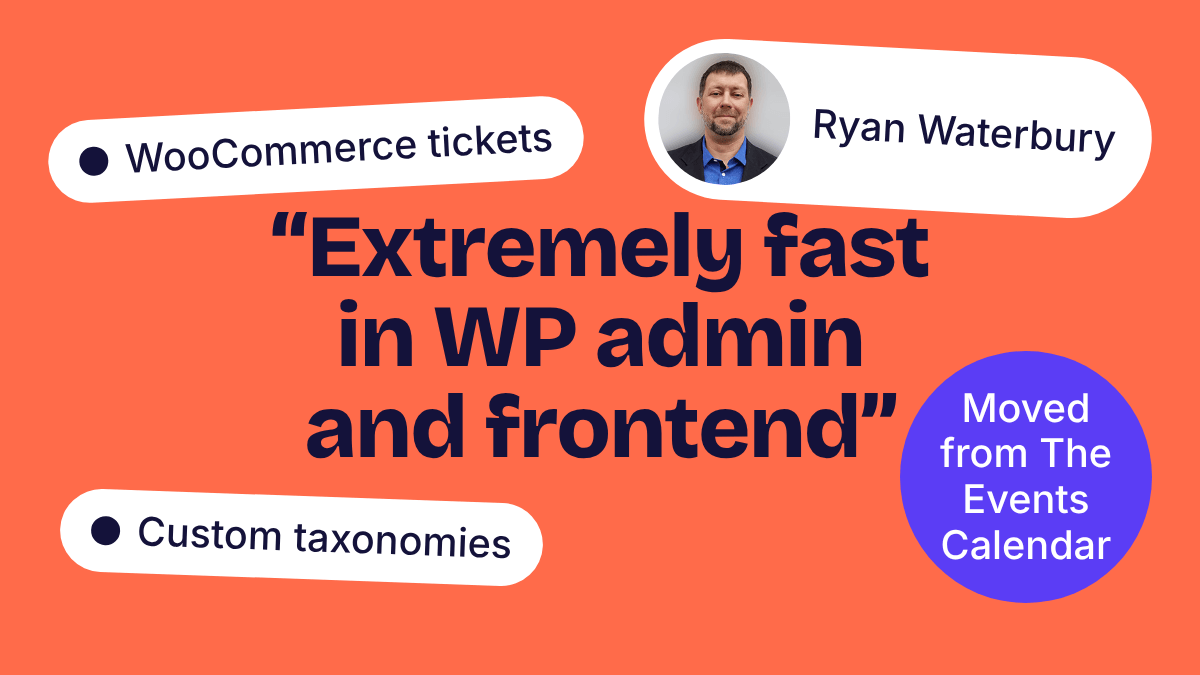
Ryan recommends EventKoi for its speed in the admin and on the front end, and for how quickly new features are added.
Can you introduce yourself?
I’m Ryan Waterbury, the founder of One Dog Solutions. I build and maintain Over The Top Cake Supplies for a client, where we use EventKoi to run classes and ticketed events.
What event plugins did you try before you chose EventKoi? And why did you choose it over those other plugins?
We tried and considered The Events Calendar, Pie Calendar and Events Manager.
We chose EventKoi because we recently migrated off The Events Calendar after Liquid Web announced a consolidation of its plugins and dramatically increased costs. The Events Calendar had also become fairly unstable and slow.
EventKoi, by contrast, is extremely fast on both the WordPress admin and the front end, and the features we’ve requested have been added very quickly.
What have you built with EventKoi? What requirements did you have?
Our most recent build was migrating Over the Top Cake Supplies from The Events Calendar to EventKoi.
The requirements were to:
- Bring over existing events
- Bring over WooCommerce orders and event tickets
- Map custom taxonomies
EventKoi’s built-in importer didn’t cover importing WooCommerce orders and tickets or mapping custom taxonomies, so I created a custom importer to handle those. It’s on GitHub here: Attendee Importer for EventKoi. It was pretty straightforward thanks to the developer documentation.
Editor’s note: We have since added these features into our own importer. Thanks Ryan!
How was your experience setting up and using EventKoi?
Very positive. EventKoi is extremely fast both in the WordPress admin and on the front end. It isn’t quite as mature as The Events Calendar yet, but the features we’ve requested have been added very quickly, and the developer documentation made building a custom importer straightforward.
Now that everything is set up and your events are live, what do you enjoy about using EventKoi?
I’m going to mention the speed again. It’s very fast.
Aside from that, the team has been great to work with. Lesley has been fantastic at taking feedback and getting features built quickly.
Would you recommend EventKoi? And who would you recommend it to?
Yes. I’d recommend EventKoi to anyone who wants a fast, modern events plugin for WordPress, and especially to sites migrating off The Events Calendar. It’s a great fit for WooCommerce-based sites that sell event tickets.
Editor’s note: Thanks for taking the time to answer my questions, Ryan. I hope you continue to enjoy using EventKoi.