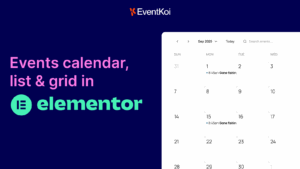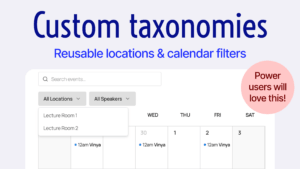

There are many WordPress event calendar plugins on the market. But if you’re building with Elementor, you quickly run into a problem: many event calendar plugins don’t integrate well or natively with Elementor at all. In fact, some event plugins that are commonly recommended for Elementor sites still rely on shortcodes, instead of native widgets and dynamic content.
For this guide, we focused specifically on Elementor-native calendar integrations.
All of the plugins we recommend in this post are strong options, but for different reasons. Some are better for modern event management, others are better for advanced dynamic setups, and some are ideal if you want something lightweight.
Which Event Calendar Plugins We Tested
Only plugins with native Elementor integrations were considered. We came across some plugins that appeared “Elementor-compatible”, but in reality were using shortcodes in Elementor. We excluded those from our recommendations as they didn’t have a true Elementor integration.
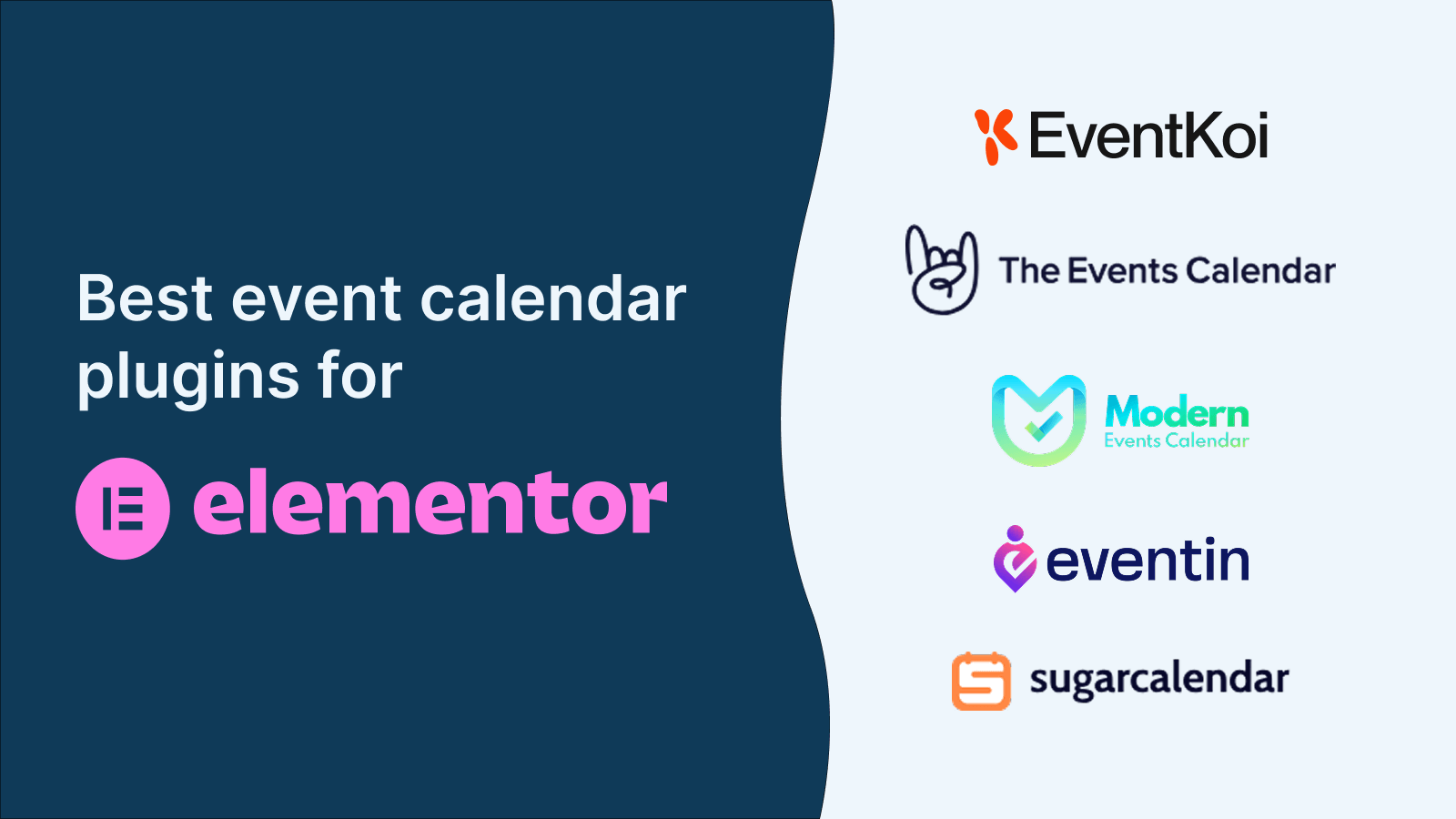
Here are the ones we recommend:
What to look for in a WordPress event calendar plugin that integrates well with Elementor.
For each plugin, we looked closely at the event-specific Elementor widgets available, and whether those widgets supported dynamic content. From a practical use case perspective, we wanted to be able to easily embed both a calendar view and a list of upcoming events directly onto a page using Elementor, with full control over layout and styling.
We also tested whether it was possible to build dynamic event templates inside Elementor. This includes creating custom event detail pages that automatically pull in event titles, dates, times, locations, descriptions, and other event data without manual duplication. Plugins that required complex workarounds, custom code, or external tools to achieve this were scored lower.
Just as importantly, we evaluated design flexibility. Elementor is a no-code page builder, and the whole point is being able to create exactly the design you want without writing custom CSS or PHP. The best Elementor-compatible event calendar plugins let no-code users fully control spacing, typography, colors, layouts, and responsive behavior directly inside Elementor, instead of locking them into rigid, pre-designed templates.
In short, the strongest Elementor event calendar plugins make it easy to design, manage, and display events visually inside Elementor, while giving no-code users the freedom to build layouts that match their site perfectly.
Best Elementor event calendar plugins
EventKoi
EventKoi is a modern WordPress events calendar plugin built to work natively with Elementor, without relying on shortcodes or workarounds. Its clean and minimal calendar features give you everything you need without the bloat.
Available Widgets
- A Calendar widget that lets you embed a full calendar view (month or week) right inside Elementor.
- An Event widget that displays a single event’s details within any Elementor layout. This flexible widget is 10+ widgets in one as you can display and style any piece of data you want.
Both widgets are available in EventKoi Lite (free) and work seamlessly in Elementor’s editor, so you can style layouts without code.

Dynamic Content and Custom Templates
With EventKoi Pro and Elementor Pro, you unlock advanced dynamic features:
- Dynamic event tags let you pull in event data such as title, date, time, and description into any Elementor widget that supports dynamic content.
- You can use Elementor’s Loop Grid widget to build fully custom event lists and grids using EventKoi event data.
- You can design custom event templates in Elementor and assign them to your events so every event page is dynamically generated with your design.
Why EventKoi Stands Out
EventKoi’s integration is built around Elementor’s native editor and dynamic features, giving no-code users true design flexibility. Instead of being limited to rigid templates or shortcode boxes, you can design event calendars and event pages with full visual control, using the same Elementor tools you’re already familiar with.
Best for
This is the only plugin that properly uses Elementor’s dynamic content feature for templates.
It’s best for Elementor users who want a fully native experience with no code and no bloat.
Price
Try for free or starts from $99 year for 1 license.
Learn more
Read EventKoi’s docs on its Elementor integration here:
The Events Calendar

The Events Calendar is one of the most widely used WordPress event calendar plugins and a long-standing choice for event-driven websites. It provides a comprehensive event management system and includes documented compatibility with Elementor, allowing event content to be used within Elementor layouts.
Available Widgets
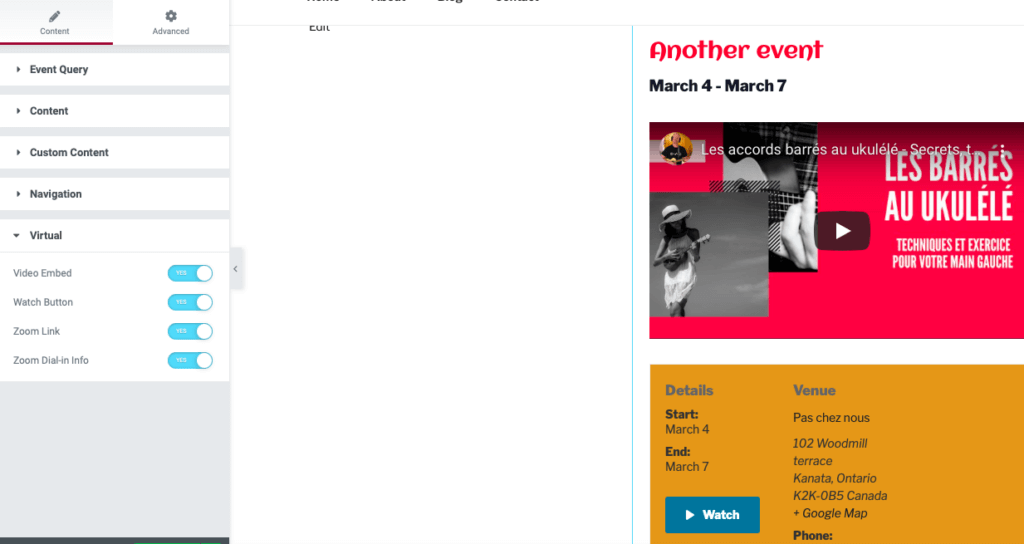
The Free Events Calendars includes basic widgets. When paired with Events Calendar Pro, additional widgets become available, including widgets for event lists, calendars, countdowns, and single event displays. These widgets can be added directly to Elementor pages and styled using Elementor’s controls.
Dynamic Content and Event Templates
Using Elementor Pro, users can create dynamic single event templates through Elementor’s Theme Builder. This allows event pages to automatically pull in dynamic event data such as titles, dates, times, venues, organizers, and descriptions, ensuring consistency across all event pages without manual updates.
Best for
It’s best for Elementor users who want a huge feature set and highly customised event page.
Beyond its Elementor integration, The Events Calendar includes a full event management feature set, including multiple calendar views, recurring events, saved venues and organizers, structured data for SEO, and a large ecosystem of premium add-ons for ticketing, virtual events, and event imports.
Price
Try for free or starts from $149 year for 1 license.
Learn more
Read The Events Calendar’s docs on its Elementor integration here:
Modern Events Calendar

Modern Events Calendar integrates with Elementor through a set of dedicated addons rather than a single native widget system. These addons extend Elementor’s capabilities and allow event-related layouts to be created inside the Elementor editor. Note, Modern Events Calendar uses the most shortcodes out of all plugins listed here.
Key Elementor-related addons include:
- Elementor Shortcode Builder Addon, which allows users to generate MEC shortcodes using a visual interface and embed them into Elementor layouts.
- Elementor Shortcode Designer Addon, which provides additional styling controls for MEC shortcodes inside Elementor.
- Elementor Single Builder Addon, which enables the creation of custom single event templates using Elementor.
- Elementor FES Builder Addon, which allows front-end event submission forms to be designed with Elementor.

Together, these addons make it possible to display calendars, event lists, and individual event pages within Elementor-built layouts.
Dynamic Content and Event Templates
Using the Elementor Single Builder Addon, users can design custom single event pages in Elementor and dynamically populate them with event data such as titles, dates, times, locations, organizers, and descriptions. This allows event pages to follow a consistent design while automatically updating based on the event content.
Dynamic event data is primarily handled through MEC’s template system and Elementor widgets provided by the addons, rather than Elementor’s native dynamic tags.
Calendar Views and Event Displays
Modern Events Calendar supports a wide range of calendar and event views, including monthly calendars, lists, grids, sliders, and agenda-style layouts. These views can be embedded into Elementor pages using MEC’s shortcode-based builder tools, with styling controls available through the Elementor designer addons.
Best for
It’s best for Elementor users who are accustomed to having multiple add-ons and shortcodes on their site. Modern Events Calendar has extensive features and a robust code base.
Price
Try for free or starts from $99 year for 1 license.
Learn more
Modern Events Calendar doesn’t have a single source of truth for its Elementor integrations. However here are some relevant links from their docs:
https://support.webnus.net/en/articles/10204831-elementor-shortcode-designer-addon
https://support.webnus.net/en/articles/10204653-elementor-shortcode-builder-addon
https://support.webnus.net/en/articles/10204686-elementor-form-builder-addon
https://support.webnus.net/en/articles/10204707-elementor-single-builder-addon
Eventin

Eventin is a WordPress event calendar plugin that includes native Elementor widgets and support for building event layouts directly inside the Elementor editor. It is designed to let users display event content visually without relying solely on shortcodes.
Available Widgets
Eventin provides a collection of dedicated Elementor widgets that can be added directly to Elementor pages. These widgets allow users to display event-related content such as:
- Event lists
- Event grids
- Event schedules
- Event calendars

Each widget can be styled using Elementor’s standard design controls, making it possible to visually adjust layouts, typography, spacing, and colors within the no-code Elementor workflow.
Dynamic Content and Single Event Templates
Eventin supports building custom single event pages using Elementor. With Elementor Pro, users can create dynamic event templates that automatically pull in event data such as event titles, dates, times, locations, descriptions, and featured images. This allows all event pages to share a consistent design while updating dynamically based on the event content.
Event data is exposed to Elementor so it can be reused across different widgets and template areas, enabling structured and repeatable event layouts.
Embedding Calendars and Event Lists
From a practical use case perspective, Eventin makes it possible to embed both calendar views and lists of events directly onto Elementor pages using native widgets. This allows users to place event content anywhere within a page layout without manually managing shortcodes.
Best for
It’s best for value-based Elementor users who are looking to get the most bang for their buck. Eventin regularly runs large promotions for.
Price
Try for free or starts from $99 year for 1 license.
Learn more
Here are Eventin’s docs on Elementor
Sugar Calendar

Sugar Calendar is a lightweight WordPress event calendar plugin focused on simplicity and performance. It includes native Elementor widgets that allow events and calendars to be displayed directly inside Elementor layouts without relying on shortcodes.
Available Widgets
Sugar Calendar provides dedicated Elementor widgets for displaying event content, including:
- An Event Lists widget for showing upcoming or past events
- A Calendar widget for displaying a full calendar view
- Widgets for embedding specific event-related data inside Elementor pages
These widgets can be added directly to Elementor pages and styled using Elementor’s built-in design controls, making them accessible to no-code users.

Embedding Event Lists and Calendars in Elementor
From a practical use case perspective, Sugar Calendar makes it easy to embed both lists of events and a calendar view directly onto a page using Elementor. Event lists can be filtered and configured to show upcoming events, past events, or events from specific calendars, depending on the site’s needs.
The calendar widget allows users to visually display events in a familiar calendar layout while remaining inside the Elementor editor.
Dynamic Content and Event Data
Sugar Calendar exposes event data to Elementor widgets so event titles, dates, and times are dynamically populated based on the event content. This allows event displays to update automatically as events are added or changed, without manual edits to page layouts.
While Sugar Calendar supports dynamic event output through its widgets, it focuses on a simpler event data model rather than advanced templating or highly customized event page layouts.
Best for
It’s best for Elementor users who want a simple, fuss-free calendar on their site. This is perhaps the simplest option on the list.
Price
Try for free or starts from $99 year for 1 license.
Learn more
Sugar Calendar does not have dedicated docs for Elementor. Instead it has sections inside docs for displaying events using Elementor:
https://sugarcalendar.com/docs/events/displaying-upcoming-events/#Elementor
https://sugarcalendar.com/docs/events/displaying-the-calendar/#elementor
FAQs
Can you build an event calendar entirely with Elementor?
Elementor handles the design and layout, but you still need a WordPress event calendar plugin to manage event data such as dates, times, locations, and recurrence. Elementor on its own does not include native event management features. The plugins in this guide are designed to fill that gap while working inside Elementor’s no-code editor.
What makes a calendar plugin “Elementor-native”?
An Elementor-native event calendar plugin provides dedicated Elementor widgets and exposes event data to Elementor’s dynamic features. This allows you to add calendars, event lists, and event details directly inside the Elementor editor, instead of embedding shortcodes or being locked into pre-built layouts.
Do I need Elementor Pro to use these event calendar plugins?
You can embed calendars and event lists using the free version of Elementor with most of these plugins. However, Elementor Pro is required if you want to build dynamic event templates, such as custom single event pages that automatically pull in event titles, dates, times, and other event data.
What are dynamic event templates in Elementor?
Dynamic event templates allow you to design an event page once in Elementor and reuse that layout for every event. Instead of manually creating pages, event data is pulled in automatically using dynamic fields. This is especially useful for sites with many events or recurring schedules. Here’s how to build an event template in Elementor.
Are shortcodes bad to use with Elementor?
Shortcodes are not inherently bad, but they limit design flexibility inside Elementor. Shortcode-based calendars often behave like embedded blocks, which makes it harder to control layout, spacing, and styling. Plugins with native Elementor widgets offer more control for no-code users. Here’s a comprehensive list of EventKoi’s shortcodes.
What is the best Elementor event calendar plugin for no-code users?
For no-code users who want full design control, plugins with native Elementor widgets and dynamic data support are usually the best fit. These allow you to build calendars, event lists, and event pages visually inside Elementor without writing custom CSS or PHP. These include plugins like EventKoi and The Events Calendar.
Can Elementor event calendar plugins slow down my site?
Performance depends on the plugin and how many features are enabled. Lightweight plugins focus on core calendar functionality, while more feature-rich plugins include booking systems, add-ons, and integrations. Choosing a plugin that matches your actual needs helps avoid unnecessary overhead. Lightweight plugins like EventKoi and Sugar Calendar will not slow down your site.
Can I switch event calendar plugins later?
Switching plugins is possible, but event data structures differ between plugins. If you expect to rely heavily on dynamic templates and Elementor layouts, it’s best to choose an event calendar plugin early that aligns with how you plan to design and manage events long-term. Here’s how you can import events from The Events Calendar into EventKoi.
Final recommendation
If you’re building your site with Elementor, choosing the right event calendar plugin comes down to how well it integrates with Elementor’s no-code workflow. The plugins covered in this guide all support Elementor in some form, but they serve different needs depending on how much design control, flexibility, and event functionality you require.
Some plugins focus on being lightweight and simple, making it easy to embed event lists and calendars with minimal setup. Others offer feature-rich event management systems with advanced options like booking, front-end submissions, and large add-on ecosystems.
All of the plugins reviewed here are solid options. The best choice depends on whether your priority is design freedom, advanced event features, performance, or ecosystem depth. By focusing on what each plugin is best for, you can confidently choose an Elementor event calendar plugin that fits your site, your workflow, and the way you want to build with Elementor.