
Set up recurring events in EventKoi in just a few steps. This guide shows you exactly how to configure event repetition — from simple daily schedules to complex repeating patterns — so your calendar stays current without manual updates.
What are recurring events
Recurring events are events with recurring rules.
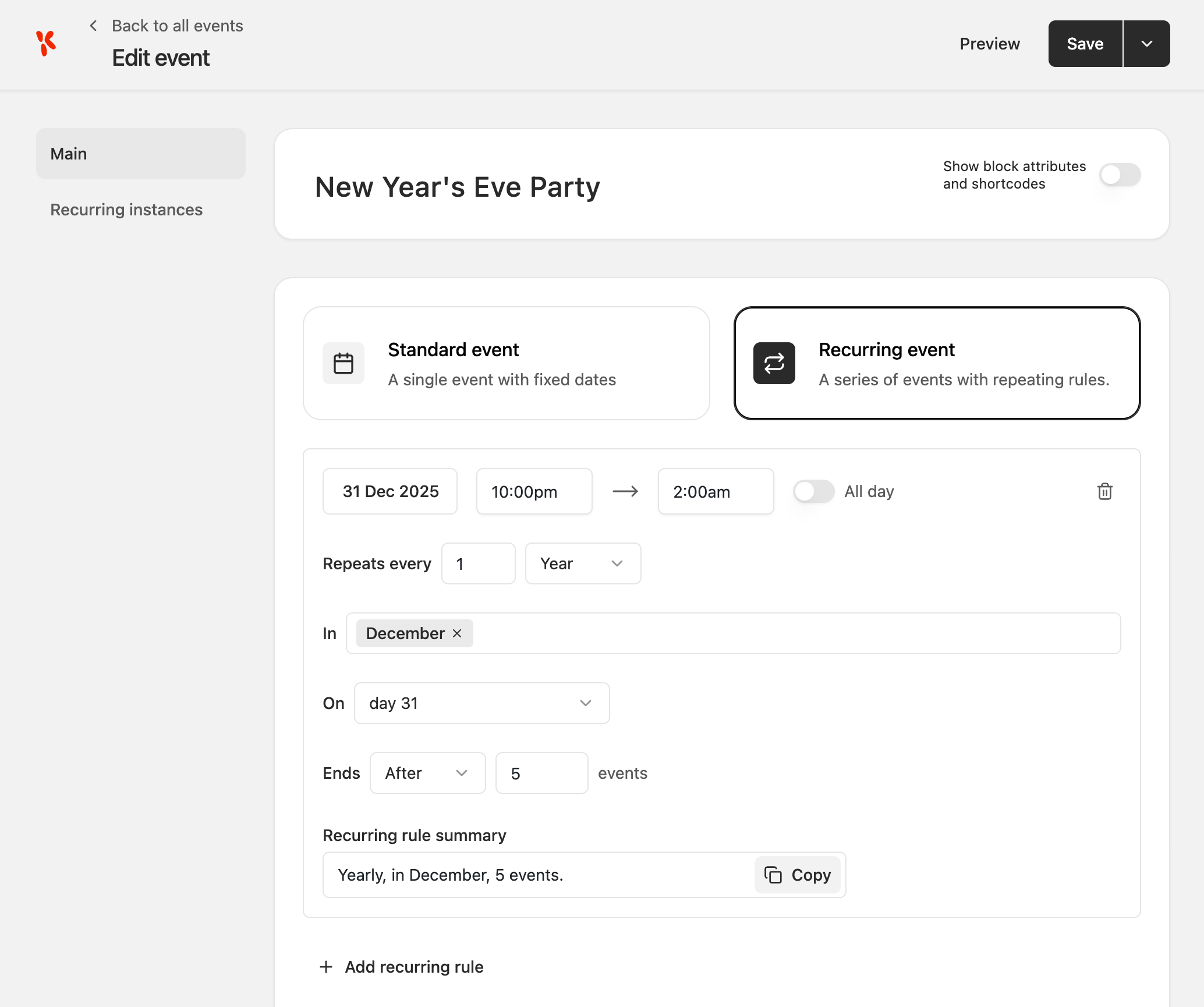
For example, if you want to create a New Year’s Eve party that happens every year, you can create a recurring event that starts on 31 December and set it to repeat every year for 5 years.
How to create a recurring event
- Start by going to Events > Events. There you’ll find the list of events.
- Click Add event button
- Give your event a name
- Select the Recurring event tab
- Save draft
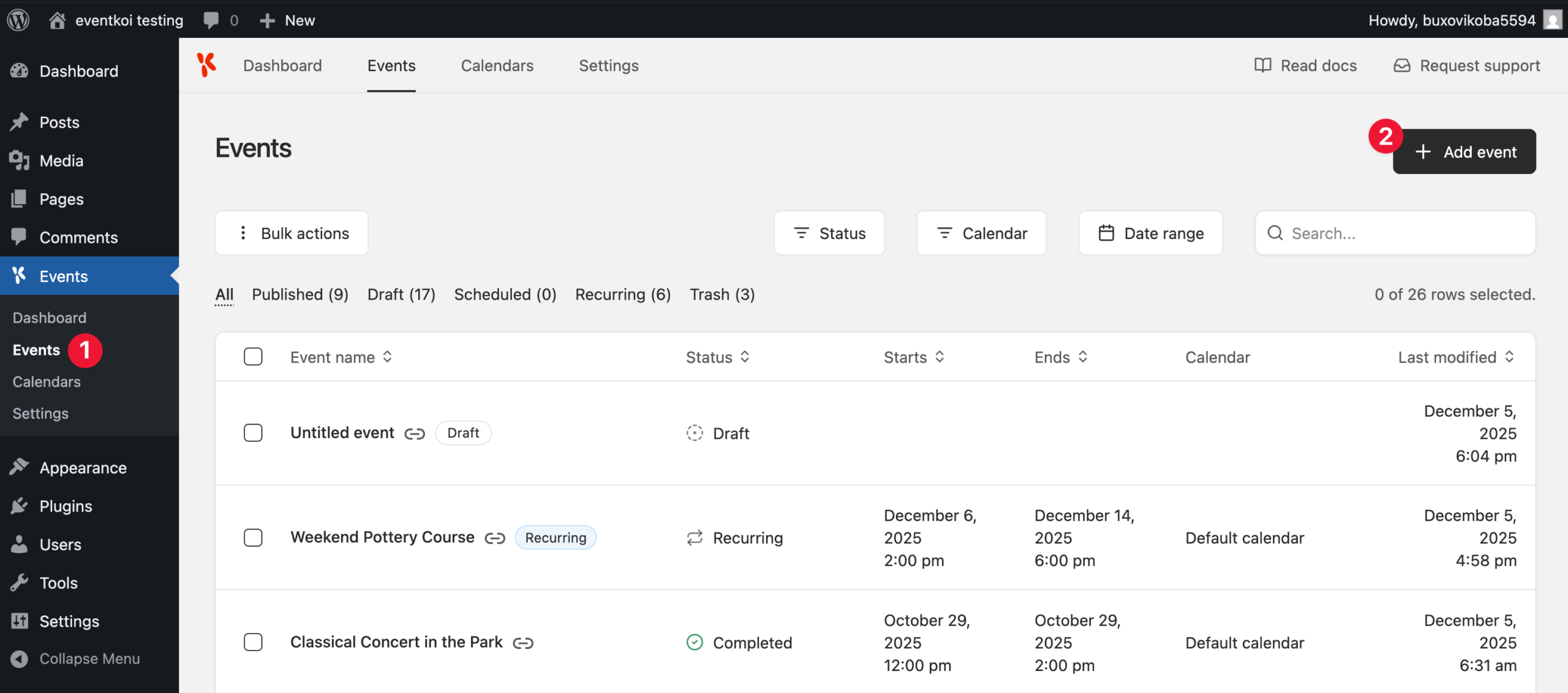

You have now successfully created a recurring event. We will now go through each of the available Recurring event settings.
Add a start date for your recurring event

Create a repeating rule
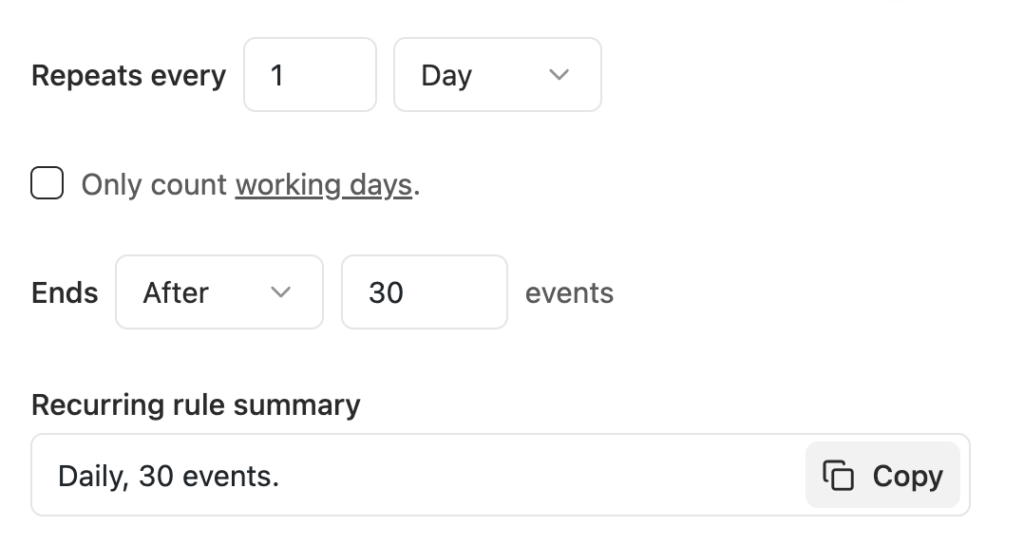
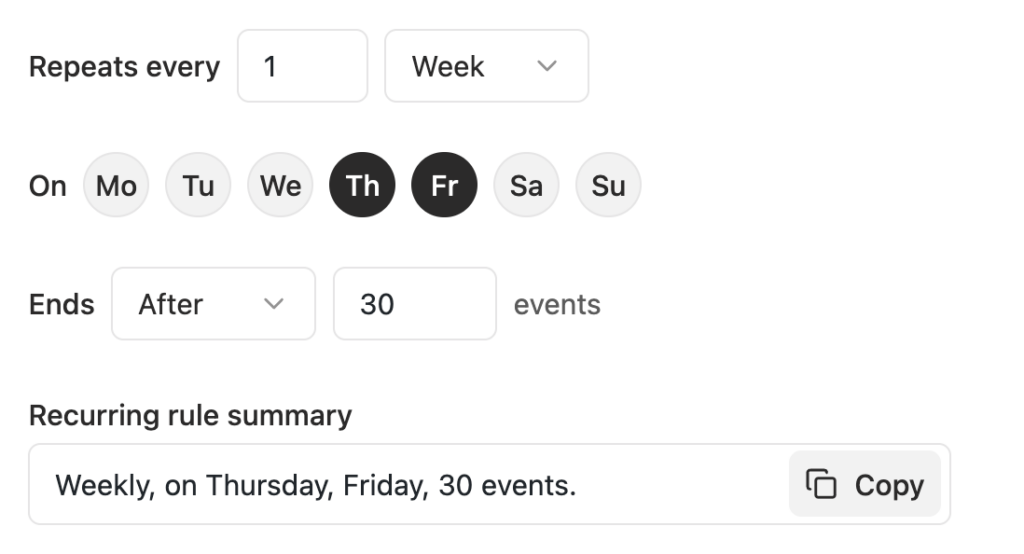
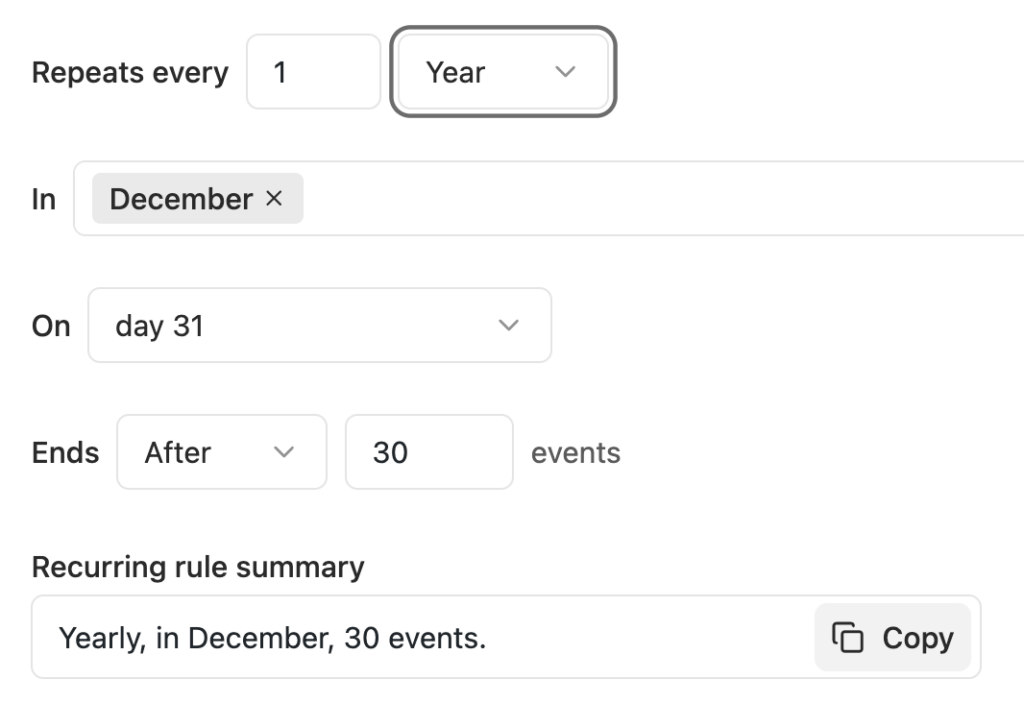
You can set your event to repeat every x Day/Week/Month/Year…

Here’s how the various options look:

Decide when you want your event to end
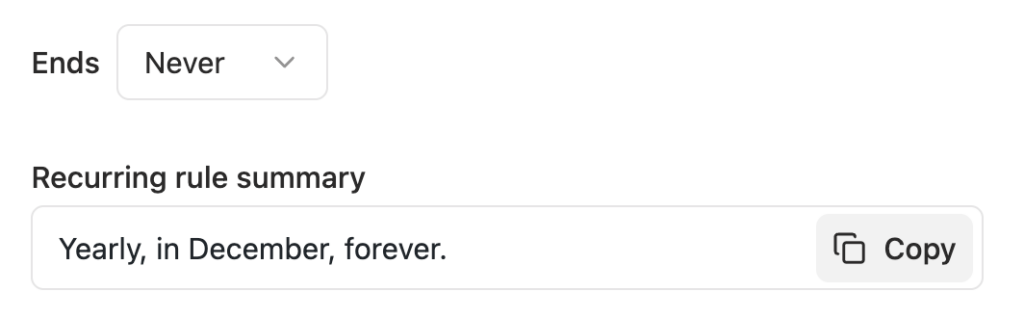
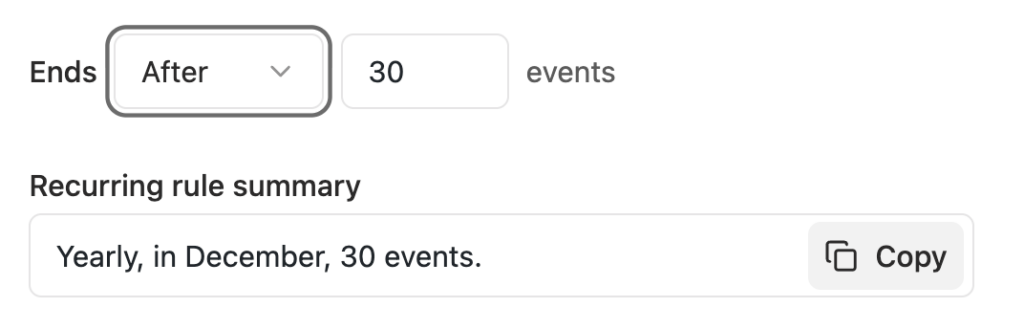
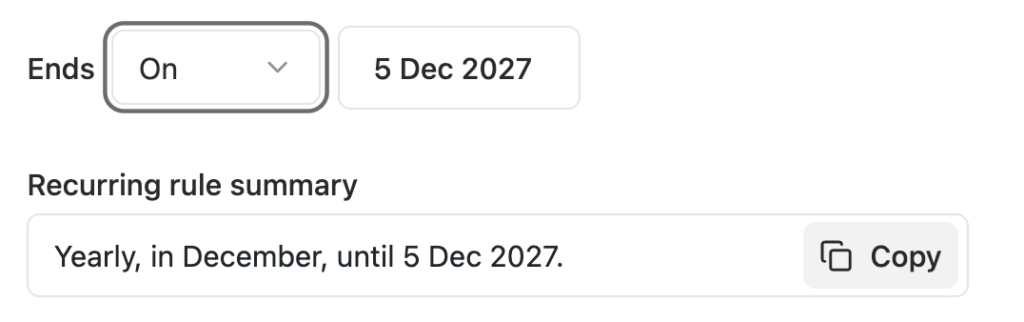
Your options are: Never, After x events, On a specific date.

Here’s how the various options look:
View/copy recurring rule summary
When you’re done creating your recurring event rule, you can sanity check it with the recurring rule summary that’s written in text form. You also have the option to copy this rule to share it with coworkers.

Adding additional rules
If you have a complex event, a single repeating rule might not be enough. Instead, create multiple recurring rules.
In the screenshot below, you’ll see two rules created:
- Yearly, in December, until 5 Dec 2027.
- Monthly, on day 5, 30 events.
You can create a third rule by clicking Add recurring rule.

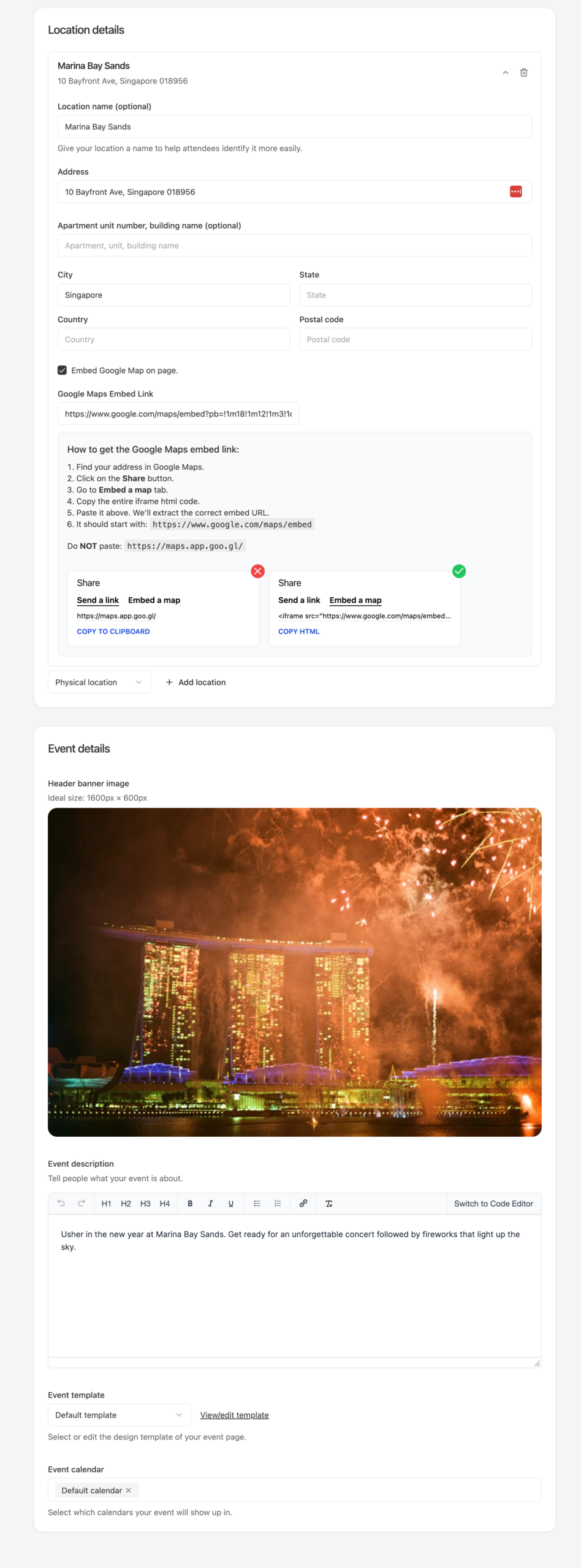
Location, event image, event details
For the purposes of this doc, I’ve filled out the remaining details.
Event series page
When you create a recurring event, there are two types of pages that are created for you:
- Event series page
- Individual event instances pages
The Event series page is the overarching page that holds all the details of your recurring event.
Here’s how the Event Series page looks like and what it contains:

To learn how to customise the Event series page, read this doc:
Recurring instances
Alongside the Event series page, individual instances are also created.
You are able to edit each individual instance of the recurring event.
This is useful if you have an event with different details. In our New Year’s Eve Party example, it’s likely that every year’s party will be slightly different. The time and date might not change, but you might have a different location, different event description and more.
Locating Recurring instances
After you have set up your recurring event rules, a tab called Recurring instances will appear beneath the Main tab.
Click on it to see a list of all your recurring instances.

Editing individual instaces
To edit an individual instance, click on the instance name.
To view the instance page, click on the link icon.

You will then be taken to the settings of the event instance.
Here, you are able to edit the following:
- Preview, reset or save instance
- Change the name of this instance
- Change the location details
- Change the event image
- Change the event description
- Change the event template

Summary
Recurring events is a powerful feature that allows you to create complex events. You can create multiple repeating rules, set up an overarching Event series page for your recurring event, and even edit each individual instance of your event.
This gives you absolute control of your recurring event, no matter how complicated it might be.