
If you are using the Kadence theme, you will not have access to the block template editor in WordPress.
This means that you will not be able to edit EventKoi’s event and event series templates.
We’re mentioning Kadence specifically here because multiple Kadence users have reached out about this issue, hence this doc is created to support them.
It is possible other block themes have also disabled the block template editor. If you are using a different theme but also do not have access to the block template editor, the information in this doc will help you too.
Block templates are a core part of WordPress, hence you could consider getting in touch with Kadence and requesting that they enable access to the block template editor.
For now, we do not have plans to build features for block themes that disable access to the block templates editor.
Instead, you can make some changes directly to the code:
- Either by installing the Code Snippets plugin, click “Add New,” paste the snippet, set it to “Run snippet everywhere,” and activate.
- Or if you have a child theme, paste your code snippet at the bottom of your child theme’s
functions.php. Don’t paste it directly into the main Kadence functions.php as it will get removed after every update.
As an example, if you would like to remove the “See all events in [Calendar]” line from your event template, you can use the following code snippet:
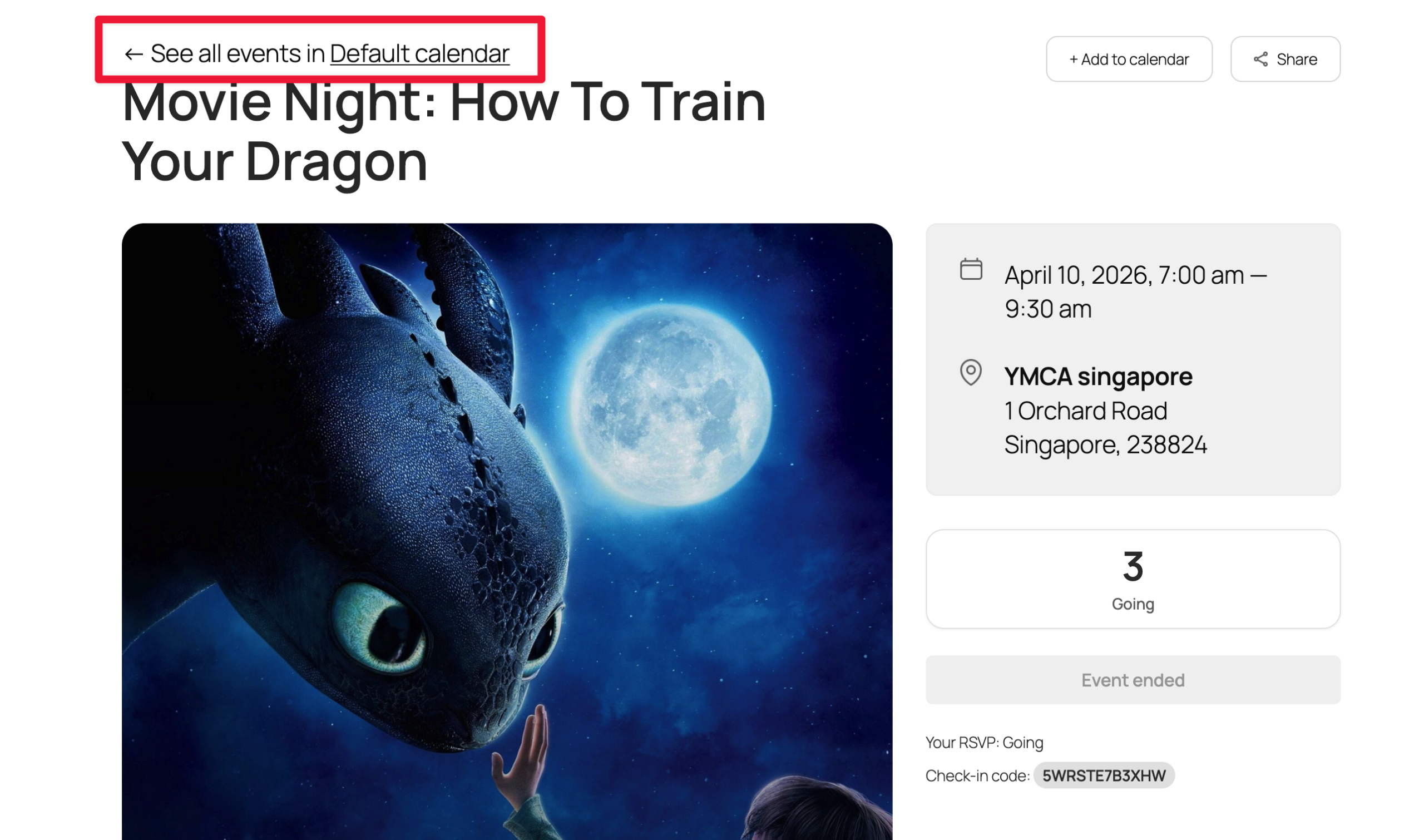
add_filter( 'eventkoi_get_default_event_template', function ( $content ) {
    return preg_replace(
        '#<!-- wp:paragraph -->\s*<p>← See all events in event_calendar_link</p>\s*<!-- /wp:paragraph -->#',
        '',
        $content
    );
} );
For non-developers: Using AI and/or get in touch
If you are not a developer, and need help generating the code to achieve your goal, you can try using AI for help. You can share this doc with it for context as well as the EventKoi Pro plugin itself, explain what you would like to change to the event template, then ask it to generate the code snippet.
Alternatively, you can simply get in touch with us, and let us know what you would like to change, and we will provide you with the code snippet. Please note that this only refers to simple changes to the template. For extensive customisations, please hire a developer.